
Microsoft Global Outage: Services Restored Across All Affected Systems
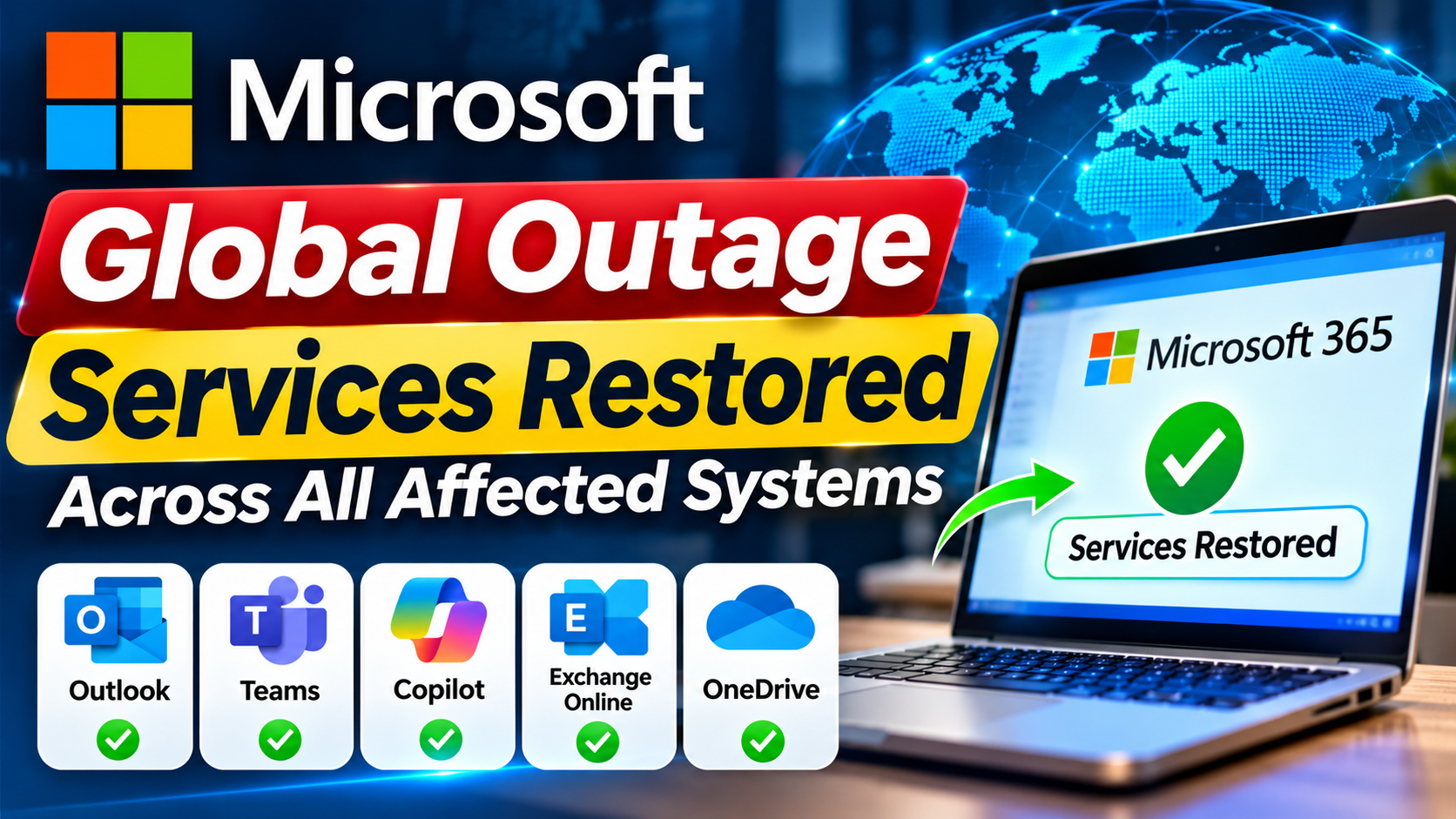
Microsoft has restored services affected by a major global outage that disrupted access to Outlook, Microsoft Teams, Copilot and other Microsoft 365 applications. The disruption affected users, businesses and public organisations across multiple countries, causing widespread problems with workplace communication and email services.
The outage began on Thursday, November 12, 2026, and continued into Friday, affecting Microsoft’s cloud-based services for more than a day. On November 14, reports indicated that Microsoft had completed recovery across the affected services.
The company apologised to customers and partners for the disruption, describing the incident as a technical issue rather than a cyberattack or an artificial intelligence-related problem.
Which Microsoft Services Were Affected?
The global disruption affected several products and services connected to Microsoft’s cloud and Exchange Online infrastructure.
The major affected services included:
- Microsoft Outlook: Users experienced problems accessing email accounts, sending messages and receiving emails.
- Microsoft Teams: Some users faced difficulties with communication, meetings and workplace collaboration.
- Microsoft Copilot: Microsoft’s AI assistant was among the services affected by the disruption.
- Microsoft 365: Users reported problems accessing different applications within the productivity suite.
- Exchange Online: The cloud-based email service experienced connectivity problems.
- SharePoint and OneDrive: Some connected cloud-based services also experienced disruption.
The outage affected users across several regions, including North America, Europe and Asia-Pacific.
What Caused the Microsoft Global Outage?
Microsoft attributed the disruption to a technical issue linked to an earlier network capacity upgrade.
According to the company’s explanation, the problem surfaced following a recent network change and affected the infrastructure supporting Microsoft 365 services.
The disruption caused connectivity problems and increased pressure on the remaining infrastructure, making it difficult for users to access affected services.
Microsoft clarified that the incident was not related to malicious cyber activity or AI agents.
The company also apologised for the inconvenience caused to customers and businesses worldwide.
How Did the Outage Affect Businesses and Users?
The disruption created significant problems for organisations that depend on Microsoft’s services for daily operations.
Businesses faced difficulties communicating through Outlook and Teams, while employees experienced delays in accessing emails and workplace information.
Healthcare organisations, educational institutions, government agencies and other public services also reported disruptions.
In some locations, organisations had to rely on alternative communication methods to continue their operations.
The incident highlighted how businesses and public institutions can be affected when widely used cloud-based services experience technical failures.
Microsoft Confirms Service Recovery
Microsoft gradually restored affected services by addressing the underlying technical issue and stabilising its infrastructure.
The company reported improvements in service availability, mailbox access and email delivery across affected regions.
During the recovery process, Microsoft worked to manage delayed messages and restore normal traffic across its systems.
Reports on November 14 indicated that the affected Microsoft services had fully recovered.
However, users who experienced delayed email delivery during the outage may still need to check their inboxes and confirm that important messages have arrived.
Microsoft also indicated that it would review the incident and provide further information about the steps taken to prevent similar disruptions.
Is the Microsoft Outage Related to a Cyberattack?
No. Microsoft stated that there was no indication that the outage was caused by malicious cyber activity.
The company attributed the incident to a technical problem associated with an earlier network capacity upgrade and a subsequent network change.
Microsoft also clarified that the disruption was not caused by AI agents.
What Should Microsoft Users Do Now?
With services reported to be restored, users can check their Microsoft accounts and confirm that their applications are working normally.
Users who experienced problems during the outage should:
- Sign in to Outlook and check for delayed emails.
- Open Microsoft Teams and verify meeting and messaging functionality.
- Check OneDrive and SharePoint for access to important files.
- Review any messages that may not have been delivered during the disruption.
- Contact their organisation’s IT support team if access problems continue.
Frequently Asked Questions (FAQs)
1. What happened during the Microsoft global outage?
Microsoft experienced a major technical disruption that affected Outlook, Teams, Copilot and other Microsoft 365 services across multiple countries.
2. When did the Microsoft outage begin?
The disruption began on Thursday, November 12, 2026, and continued into Friday.
3. Are Microsoft services restored now?
Reports on November 14 indicated that Microsoft had fully restored the services affected by the global outage.
4. Which Microsoft applications were affected?
The disruption affected Outlook, Microsoft Teams, Copilot, Exchange Online and other connected Microsoft 365 services.
5. What caused the Microsoft outage?
Microsoft attributed the incident to a technical issue involving an earlier network capacity upgrade that surfaced after a recent network change.
6. Was the Microsoft outage caused by a cyberattack?
No. Microsoft said there was no indication of malicious cyber activity and clarified that the incident was not related to AI agents.
7. Could users still experience delayed emails?
Some messages may have been delayed during the disruption. Users should check their inboxes and contact IT support if important emails remain missing.
#Microsoft #MicrosoftOutage #GlobalOutage #MicrosoftNews #TechNews #BreakingNews #TechnologyNews #ServiceRestored #GlobalTechnology #LatestNews