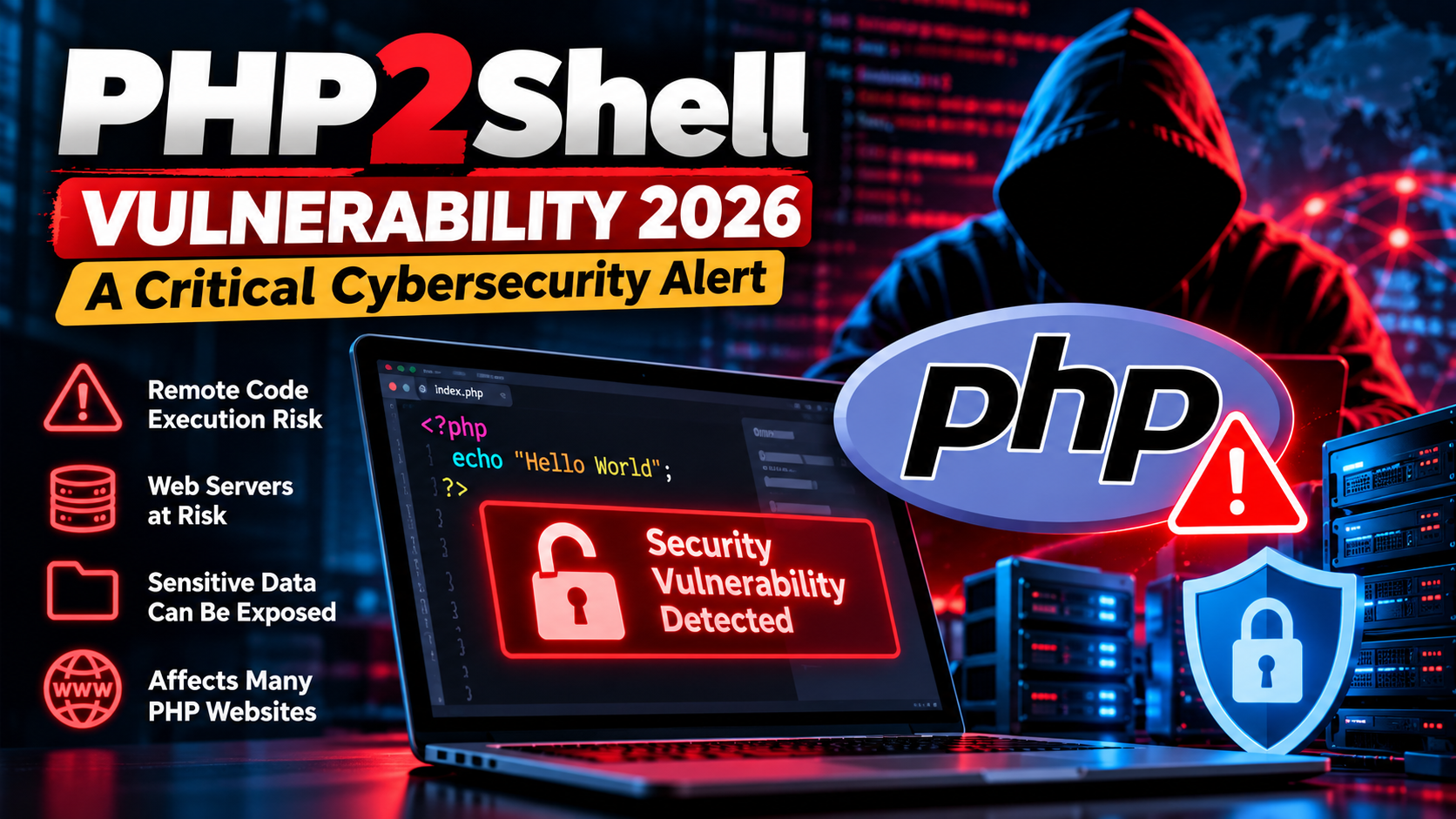
PHP2Shell Security Alert 2026: Critical PHP Vulnerabilities Put Web Servers at Risk
BY LINE : Sagufta Rani
Cybersecurity has become a major concern for website owners, developers, and businesses worldwide. On October 21, 2026, the PHP development team released urgent security updates to address two critical vulnerabilities in the PHP programming language. These vulnerabilities, collectively known as PHP2Shell, could allow attackers to execute malicious code on vulnerable servers without authentication.
The security issues were identified as CVE-2026-109618 and CVE-2026-109619. Both received a severity score of 9.2 out of 10 under CVSS version 4.0. Security authorities have urged organizations to identify affected systems and install the appropriate updates as quickly as possible.
PHP is widely used to develop dynamic websites, content management systems, and web applications. Therefore, vulnerabilities in the core PHP engine can have implications for many online services.
In this article, we explain PHP2Shell in simple terms, explore its potential impact, identify affected versions, and discuss practical steps to improve website security.
What Is PHP2Shell?
PHP2Shell refers to two critical security vulnerabilities discovered in the core PHP runtime. Under certain conditions, these weaknesses can allow an unauthenticated remote attacker to execute code on an affected server.
To understand the issue, it helps to know what PHP does. PHP is a server-side scripting language. When a user submits a form, logs into a website, or requests dynamic content, PHP can process the request and communicate with databases before returning a response.
If the PHP runtime contains a serious security flaw, an attacker may attempt to exploit that weakness through specially crafted requests. The PHP2Shell vulnerabilities involve problems with memory handling and internal application state. Successful exploitation could potentially compromise a server, expose sensitive information, or disrupt website operations.
Importantly, PHP2Shell does not mean that every PHP-powered website has been hacked. The risk depends on the installed version, deployment configuration, and whether the relevant security patches have been applied.
Why Is PHP2Shell a Serious Cybersecurity Threat?
PHP2Shell is significant because PHP is used across a broad range of websites and online services. A weakness in the language runtime can affect applications even when their own business logic is not directly responsible for the flaw.
Potential consequences include:
- Remote code execution: An attacker may execute unauthorized code on a vulnerable server.
- Sensitive data exposure: Information in process memory, such as authentication tokens or other secrets, could be at risk.
- Website defacement: Attackers who gain sufficient access may modify website content.
- Service disruption: Malicious activity may affect website availability and normal operations.
- Further compromise: A compromised server may create opportunities for attacks against connected systems, depending on its permissions and network access.
These are potential impacts, not a guarantee that every vulnerable installation will experience all of them.
How Can You Check Whether Your Website Is at Risk?
Website owners and developers should take the following steps.
Step 1: Identify Your PHP Version
If you manage your hosting account, open your hosting control panel and look for the PHP version setting. Many hosting providers display the current version under a section such as PHP Manager or PHP Configuration.
If you manage the server yourself, you can check the command-line PHP version using: php -v
Remember that the command-line version may differ from the version used by the web server. Confirm the version actually serving website requests.
Step 2: Identify All PHP-Based Applications
Check your main website, subdomains, staging environments, and other services that may use PHP.
Some commercial or open-source products may include PHP components even when their primary interface does not appear to be PHP-based.
Step 3: Check the Official Security Advisory
Compare your installed version with the fixed releases listed in the official PHP security announcement. If your version is unsupported, consult your hosting provider or operating-system vendor for a secure upgrade path.
Step 4: Apply the Appropriate Security Update
Install the patched version recommended for your environment. Test the application after upgrading to ensure that important functionality continues to work.
What Should Developers Learn from PHP2Shell?
The incident offers several important lessons for software developers.
First, security must be part of the development process. Testing only whether an application works correctly is not enough. Developers should also consider memory safety, input handling, dependency risks, and unexpected execution states.
Second, software maintenance matters. Even a well-designed application can be exposed through a vulnerable runtime or third-party dependency.
Third, monitoring and incident response are essential. Teams should know which software versions they operate, who is responsible for patching, and how to investigate potential compromise.
Finally, developers should follow official advisories instead of relying only on social media posts or unverified reports.
How to Protect Your Website from PHP2Shell
Updating PHP is the most important action because the official PHP security guidance identifies patching as the complete fix.
1. Update PHP Immediately
Upgrade affected installations to the appropriate patched release or a newer supported release. Do not postpone security updates on publicly accessible servers.
2. Update WordPress and Its Components
If you use WordPress, update the WordPress core, themes, and plugins. These updates address their own security issues, although updating WordPress alone does not replace patching the underlying PHP runtime.
3. Review Server Logs
Check web server and application logs for unusual requests, unexpected errors, suspicious file changes, and other indicators of compromise.
A lack of obvious errors does not prove that a server has not been attacked. Organizations should use appropriate monitoring and incident-response procedures.
4. Use a Web Application Firewall
A web application firewall, or WAF, can provide an additional layer of protection by filtering malicious HTTP requests.
However, a WAF is not a replacement for updating PHP. Continue to patch the affected runtime even if your hosting provider or security service offers protective rules.
5. Keep Backups
Maintain regular, secure backups of website files and databases. Keep backup copies protected from unauthorized modification, and test restoration procedures periodically.
6. Restrict Server Access
Apply least-privilege permissions, secure administrative accounts, and restrict access to services that do not need to be publicly accessible.
7. Investigate Possible Compromise
If your server was running a vulnerable version, review its exposure and investigate suspicious activity. If you discover signs of a successful attack, follow your incident-response plan, preserve relevant logs, and consider rotating credentials or tokens that may have been exposed.
Reference – Official PHP Security Advisory: https://www.php.net/archive/2026.php#2026-10-21-5
Disclaimer: This article is intended for informational and educational purposes. Check the latest official advisories and consult your hosting provider before making changes to a production server.